














Unlock Premium Mobile Gaming at TheCrypt: Your Instant Access Gateway Without the Wait
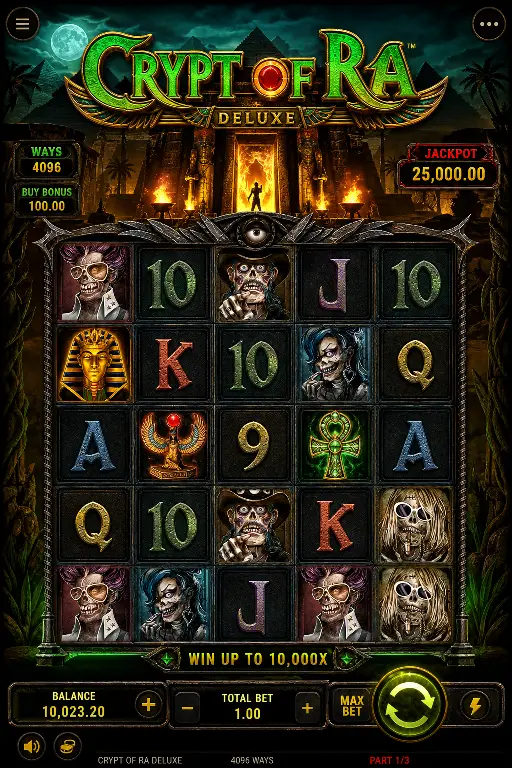
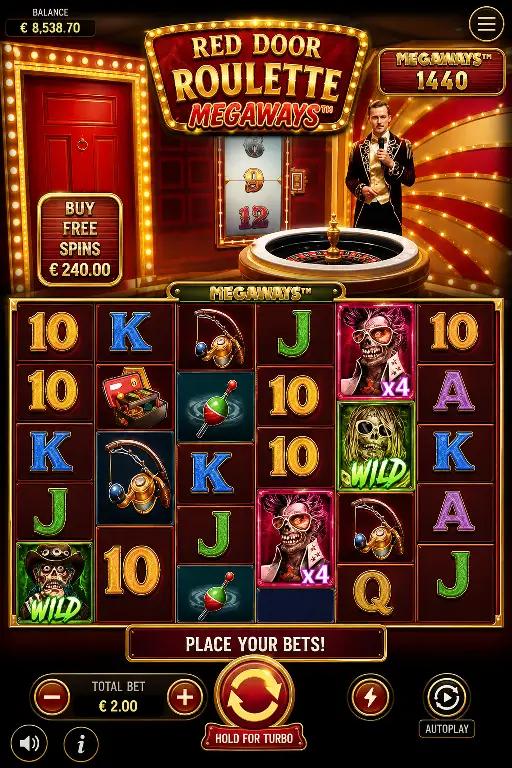
TheCrypt is built for players who demand convenience, variety, and security on every device. Right now, while we're perfecting our official native applications for iOS and Android, there's no need to wait on app store approval timelines. Instead, we've engineered a fully optimised web-based gaming platform that installs directly onto your smartphone or tablet home screen—delivering the complete TheCrypt experience (slots, table games, live casino, bonuses, payment processing, and account history) with the look, feel, and speed of a native app. This is not a compromise; it's a modern, flexible way to access world-class iGaming instantly.
What Is a Home-Screen Web App and Why It Matters for Your Gaming
Think of a home-screen web app as a bridge between your mobile browser and a traditional app store application. When you add TheCrypt to your home screen, you're creating a dedicated shortcut that launches our casino in its own window—no browser address bar, no tab switching, no distractions. From the moment you tap the TheCrypt icon, you're immersed in a full-featured gaming environment. It behaves exactly like a native app: it opens instantly, runs smoothly, remembers your login, and lets you play every game, claim bonuses, deposit funds, and withdraw winnings without ever touching your device's app store. The technical backbone is our responsive web platform, engineered to deliver premium performance on screens from 5 inches to 13 inches.
Five Compelling Reasons to Install TheCrypt on Your Home Screen Today
- One-Tap Access to All Games: After installation, launch TheCrypt from your home screen with a single touch—no browser hunting, no typing URLs. Your session persists, so you return exactly where you left off.
- Native App Experience Without Store Restrictions: Enjoy full-screen gaming, push notifications (where applicable), and a dedicated app interface that feels indistinguishable from a traditional app download. You get the premium experience without app store gatekeeping.
- Zero Storage Bloat and Instant Updates: No large file downloads, no storage conflicts, and no manual update prompts. TheCrypt's web app updates automatically in the background—you're always playing the latest version without lifting a finger.
- Complete Feature Parity Across All Devices: Slots, table games, live dealers, welcome bonuses, free spin promotions, deposit and withdrawal methods, transaction history, loyalty rewards—everything you'd find in a native app is here, working flawlessly on your mobile device right now.
- Future-Proof Migration to Official Apps: When TheCrypt launches its native app, your account, balance, bonuses, and preferences will transfer seamlessly. You're not building on sand; you're choosing a pathway that protects your gaming identity and data.
TheCrypt Mobile Bonus Offers Ready for You Now
Mobile players at TheCrypt enjoy exclusive promotions tailored to on-the-go gaming. Here's what's waiting for you when you sign up or log in via the web app:
- Mobile Welcome Bonus: New players receive a 100% match bonus up to €500 on your first deposit (minimum €10). Play eligible slots and table games; bonus funds convert to real money after meeting a 35x wagering requirement within 30 days.
- Weekly Free Spins for Mobile Players: Every Monday, active mobile users receive 20 free spins on a rotating selection of premium slots. No deposit required; free spins expire after 7 days and carry a 25x playthrough on winnings.
- Mobile Leaderboard Races: Compete against other mobile gamers each week. The top 50 players earn cash prizes, bonus credits, or extra free spins. Races reset every Sunday at midnight UTC.
How to Install TheCrypt on Your Mobile Device
For iPhone and iPad Users (iOS via Safari)
- Open Safari on your iPhone or iPad.
- Navigate to the-crypt.store in the address bar and wait for the page to load fully.
- Tap the Share button at the bottom of the screen (the arrow pointing upward and to the right).
- Scroll through the menu and select Add to Home Screen.
- Enter a name for your shortcut (e.g., "TheCrypt") or accept the default, then tap Add in the top-right corner.
- The TheCrypt icon now appears on your home screen. Tap it anytime to launch the casino directly into gaming mode.
For Android Users (Chrome Browser)
- Open Chrome on your Android phone or tablet.
- Go to the-crypt.store and allow the page to fully load.
- Tap the three-dot menu icon in the top-right corner of Chrome.
- Select Add to Home Screen from the dropdown menu.
- Verify the app name is set to "TheCrypt" (or your preference), then tap Install or Add.
- The TheCrypt shortcut is now on your home screen. Open it with one tap to play immediately.
Smartphones vs. Tablets: Choosing Your TheCrypt Gaming Canvas
Smartphones are your pocket casino. TheCrypt's responsive design optimises every element for compact screens: touch buttons are sized for quick, accurate taps; game graphics scale beautifully on smaller displays; and the interface adapts to portrait or landscape orientation. Play slots during a commute, check live casino tables between meetings, or claim your daily bonus in seconds. The lightweight nature of the web app means even older phones run TheCrypt smoothly without draining battery or hogging memory.
Tablets unlock the immersive side of TheCrypt. A 10-inch or larger screen transforms table games and live casino sessions into a cinematic experience: you see dealer movements in high detail, read other players' reactions, and enjoy game graphics that rival desktop quality. The extra real estate also makes multi-touch controls easier—especially valuable in complex poker variants or roulette sequences. Install TheCrypt on your tablet for weekend sessions, travel lounging, or nights when you want to settle in for an extended play session with maximum visual comfort.
Your Fast, Safe, Smart Path to TheCrypt Gaming Today
The web app shortcut to TheCrypt is not a workaround or second-best option—it's a deliberate engineering choice that puts power and convenience in your hands right now. You get one-tap access, full game libraries, real-money deposits and withdrawals, live dealer interactions, and all bonuses and promotions on a platform that's fast, secure, and future-proof. No app store delays, no installation conflicts, no wasted storage space. Simply visit the-crypt.store, add it to your home screen, and start playing within seconds. When TheCrypt's native app arrives, your transition will be seamless. Until then, the web app delivers everything a serious mobile gambler needs—wrapped in a native-app experience that feels and performs like the real thing. Install today and discover why thousands of players have already made TheCrypt their home screen gaming destination.